13. September 2026
Fixing my Logitech MX Vertical mouse
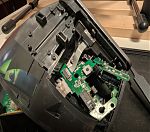 Left click. Nothing happens. Left click. Nothing. Time for a new mouse? No. Instead, I repaired my Logitech MX Vertical mouse after many hours spent on troubleshooting, desoldering, soldering, and tinkering. But it was as educational as successful. Left click. Bliss! The mouse works again.
When I noticed that clicking left was no longer working reliably, I did some research. I stumbled over this video on YouTube that suggested to replace the switch underneath the left mouse button cap. I gave it a shot.
Unscrewing the mouse was rather straight-forward. However, afraid that I would never be able to put the mouse back together, I labeled all the screws and put them into separate sections in my tray. Carnage! This mouse looks now even more beyond repair.
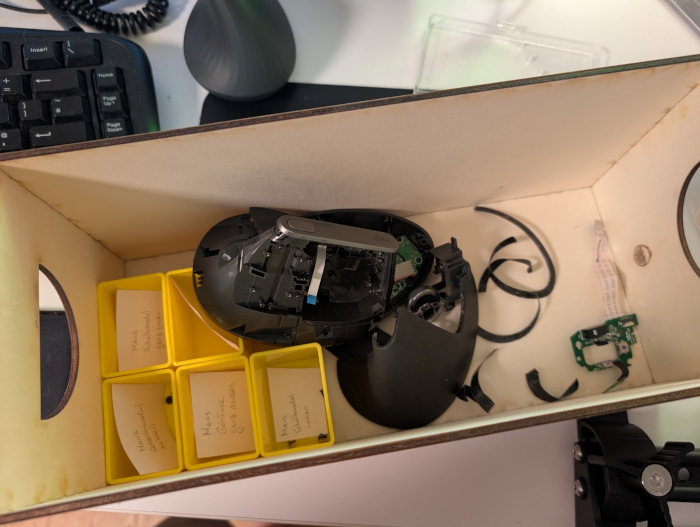
But, as instructed in the video, I got to the point where I was able to access the little switch (highlighted in red). The switch has three pins, and each of the three pins is soldered to a little PCB. I simply assumed that replacing that switch would bring the left mouse button back to life.
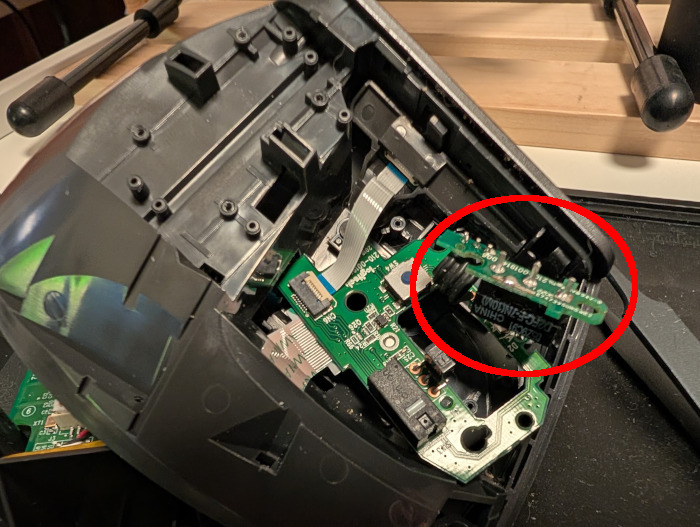
Soldering is an art that I am still learning. Desoldering, however, appears to be even more difficult. I had no helping hands (will buy some, after this experience). Eventually, I managed to desolder the switch. But, as I should find out later, I probably also melted the PCB. Despite of the warning by the good samaritan on YouTube.
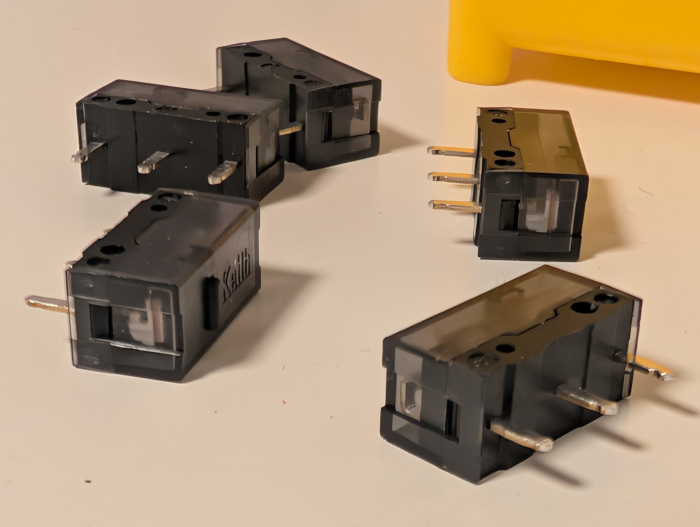
Once the new switches had arrived (picture above), I soldered one back to the PCB. I reattached the wires connecting the different PCBs, and plugged the mouse back into my computer. I ran evtest in a terminal. The right button still works. Still nothing on the left button. The outermost contact on the PCB seems to have come off, probably during the desoldering.
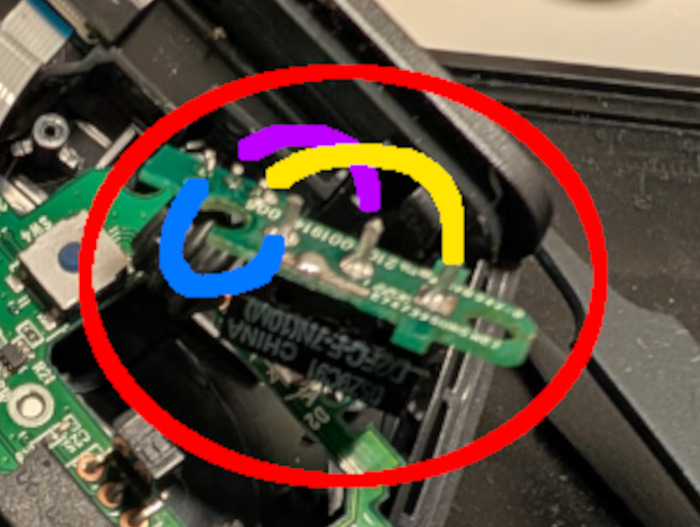
Yet, I did not give up. I assumed that the PCB was supposed to connect the three little pins from the cable (top left in the picture above) with the three pins from the switch, and presumably in the same order. I took a bit of wire and checked whether the left button click event was registered by evtest. Indeed, bridging the middle pins with the wire triggered a left button click. There is hope.
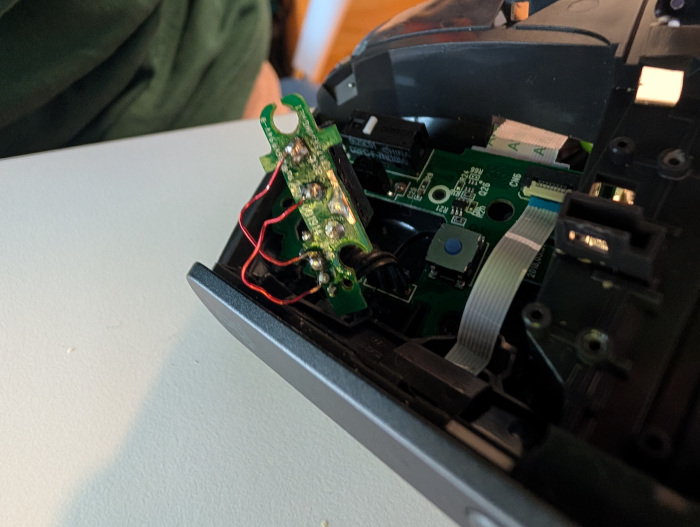
I created bridges with two wires for two out of the three pins (picture above). A messy job. But I will not have to look it, now that the mouse is reassembled. Left click. Works!